%20Gaming%20Laptop%20Intel%20Core%20i9-14900HX%2032GB%20RAM%201TB%20PCIe%204.0%20NVMe%20M.2%20SSD%2016%22%202.5K%20Anti-glare%20Display%208GB%20GDDR7%20NVIDIA%20GeForce%20RTX%205060.jpg)
%20Gaming%20Laptop%20Intel%20Core%20i9-14900HX%2032GB%20RAM%201TB%20PCIe%204.0%20NVMe%20M.2%20SSD%2016%22%202.5K%20Anti-glare%20Display%208GB%20GDDR7%20NVIDIA%20GeForce%20RTX%2050603.jpg)
%20Gaming%20Laptop%20Intel%20Core%20i9-14900HX%2032GB%20RAM%201TB%20PCIe%204.0%20NVMe%20M.2%20SSD%2016%22%202.5K%20Anti-glare%20Display%208GB%20GDDR7%20NVIDIA%20GeForce%20RTX%205060%20.jpg)
%20Gaming%20Laptop%20Intel%20Core%20i9-14900HX%2032GB%20RAM%201TB%20PCIe%204.0%20NVMe%20M.2%20SSD%2016%22%202.5K%20Anti-glare%20Display%208GB%20GDDR7%20NVIDIA%20GeForce%20RTX%2050602.jpg)
%20Gaming%20Laptop%20Intel%20Core%20i9-14900HX%2032GB%20RAM%201TB%20PCIe%204.0%20NVMe%20M.2%20SSD%2016%22%202.5K%20Anti-glare%20Display%208GB%20GDDR7%20NVIDIA%20GeForce%20RTX%2050601.jpg)
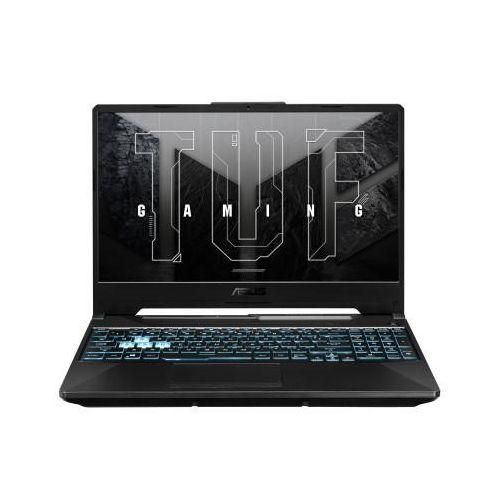
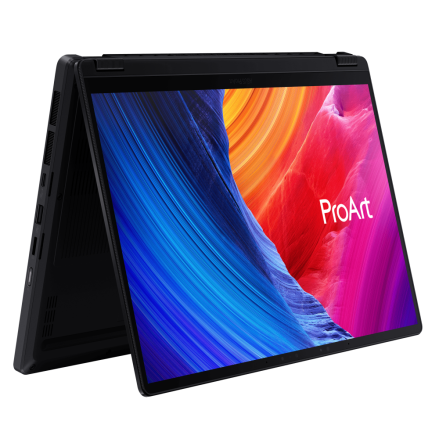
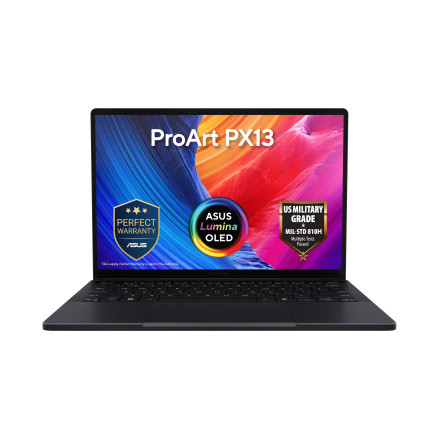
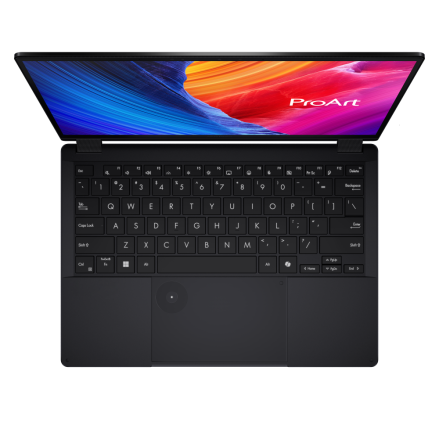
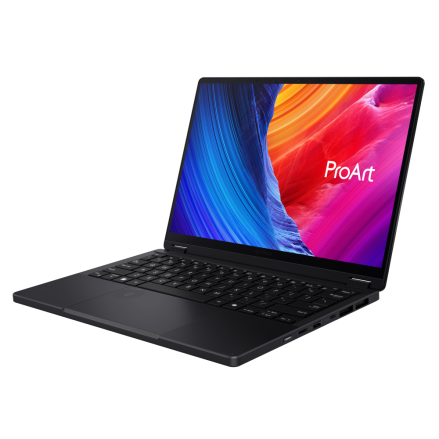
%20Intel%20Core%20Ultra%209%20185H%2016GB%20RAM%201TB%20SSD%20Intel%20AI%20Boost%20NPU%20%2014%22%20OLED%20Touch%20Display%20Backlit%20Chiclet%20Keyboard%20Numberpad%201080p%20FHD%20IR%20Camera%20Harman%20Kardon%20Speakers%20With%20Smart%20AmP%201%20Year%20Manufacturer%20Warranty2.jpg)
%20Intel%20Core%20Ultra%209%20185H%2016GB%20RAM%201TB%20SSD%20Intel%20AI%20Boost%20NPU%20%2014%22%20OLED%20Touch%20Display%20Backlit%20Chiclet%20Keyboard%20Numberpad%201080p%20FHD%20IR%20Camera%20Harman%20Kardon%20Speakers%20With%20Smart%20AmP%201%20Year%20Manufacturer%20Warranty4.jpg)
%20Intel%20Core%20Ultra%209%20185H%2016GB%20RAM%201TB%20SSD%20Intel%20AI%20Boost%20NPU%20%2014%22%20OLED%20Touch%20Display%20Backlit%20Chiclet%20Keyboard%20Numberpad%201080p%20FHD%20IR%20Camera%20Harman%20Kardon%20Speakers%20With%20Smart%20AmP%201%20Year%20Manufacturer%20Warranty.jpg)
%20Intel%20Core%20Ultra%209%20185H%2016GB%20RAM%201TB%20SSD%20Intel%20AI%20Boost%20NPU%20%2014%22%20OLED%20Touch%20Display%20Backlit%20Chiclet%20Keyboard%20Numberpad%201080p%20FHD%20IR%20Camera%20Harman%20Kardon%20Speakers%20With%20Smart%20AmP%201%20Year%20Manufacturer%20Warranty1.jpg)
%20Intel%20Core%20Ultra%209%20185H%2016GB%20RAM%201TB%20SSD%20Intel%20AI%20Boost%20NPU%20%2014%22%20OLED%20Touch%20Display%20Backlit%20Chiclet%20Keyboard%20Numberpad%201080p%20FHD%20IR%20Camera%20Harman%20Kardon%20Speakers%20With%20Smart%20AmP%201%20Year%20Manufacturer%20Warranty3.jpg)
.jpg)
Product Overview:
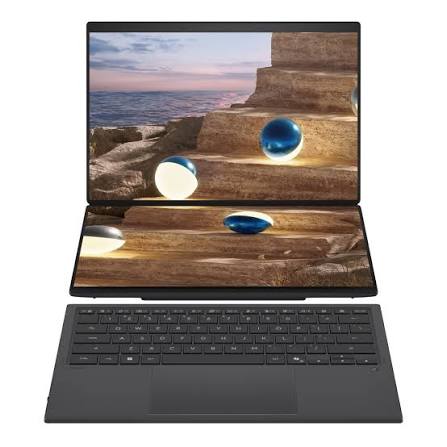
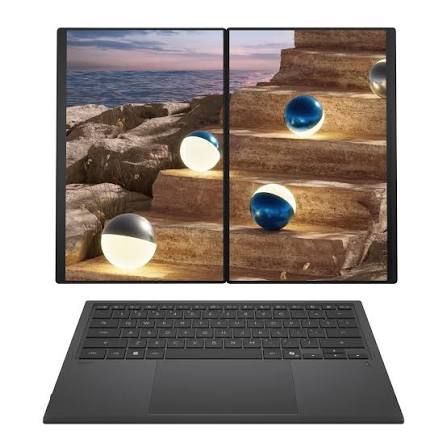
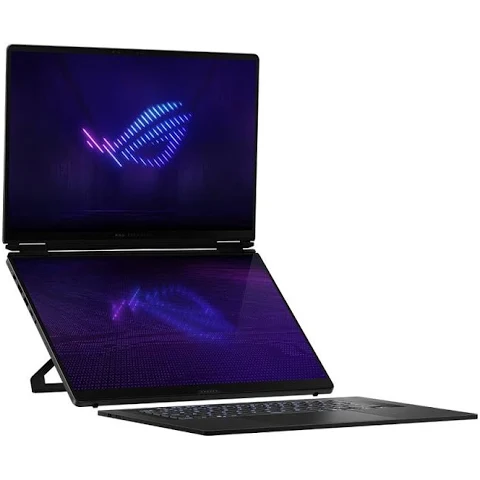
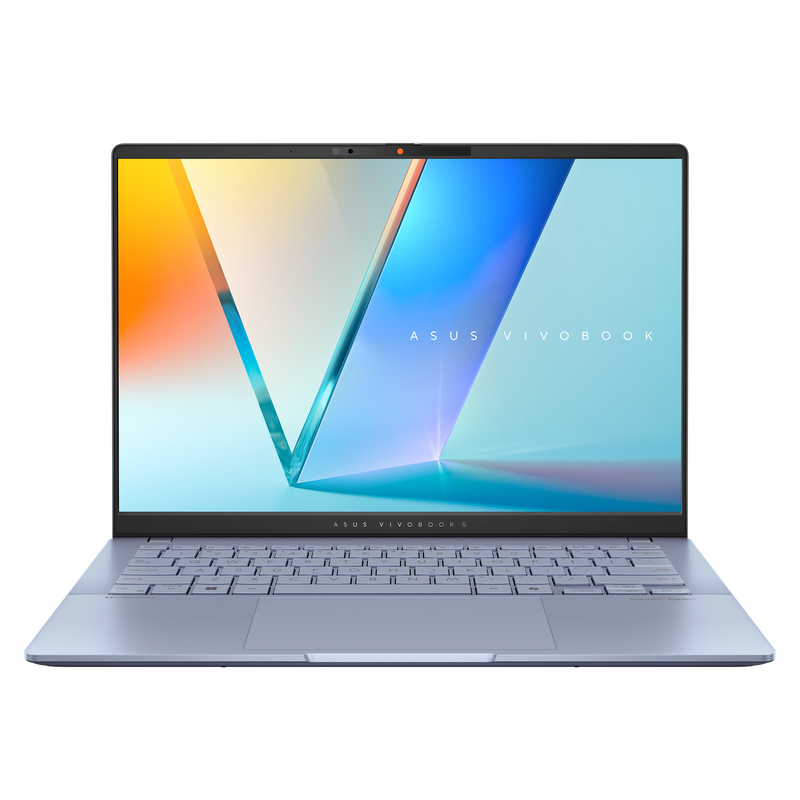
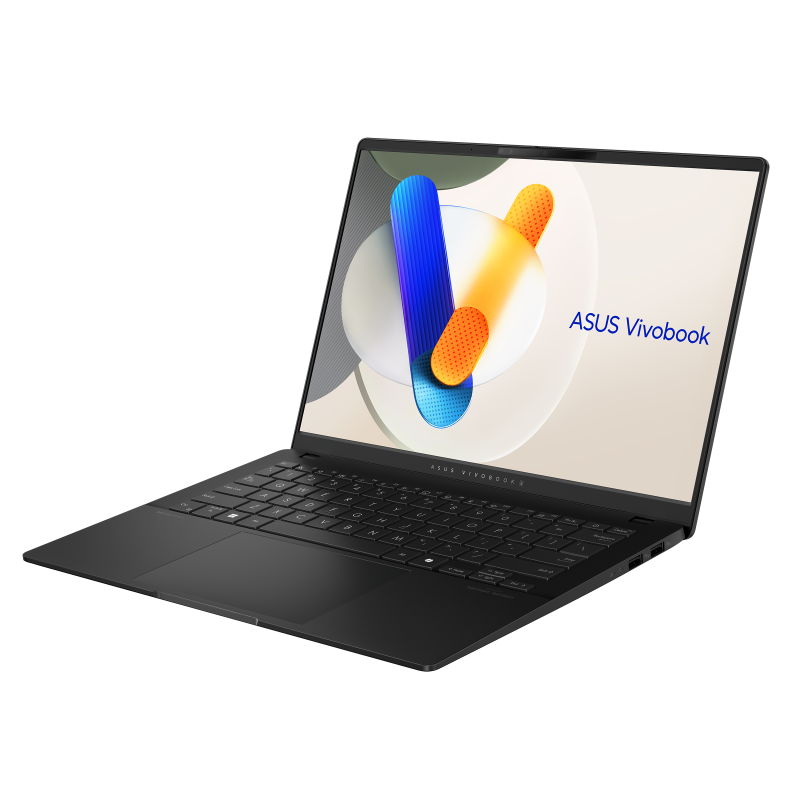
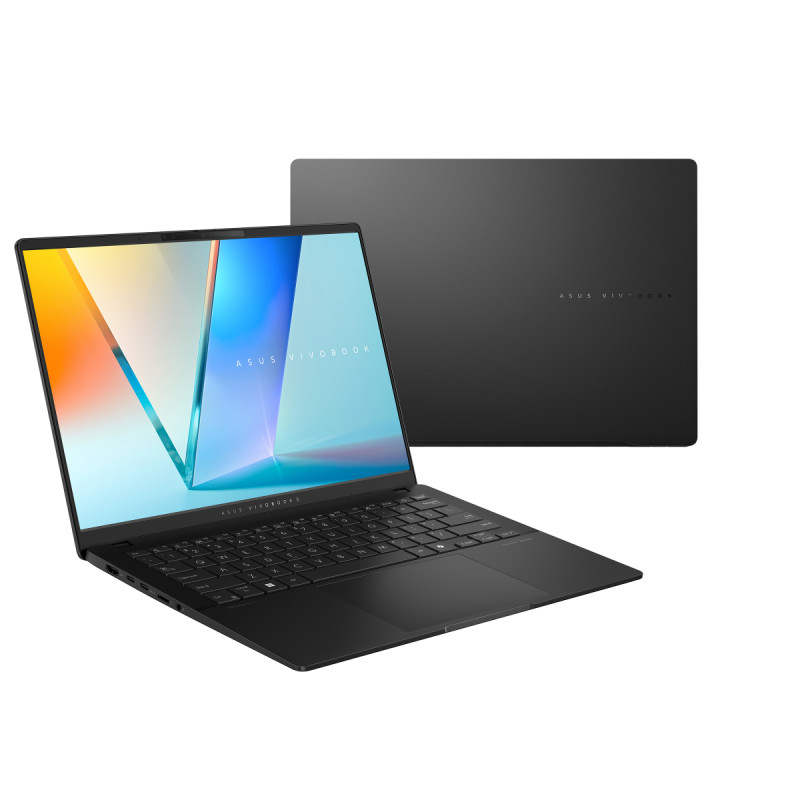
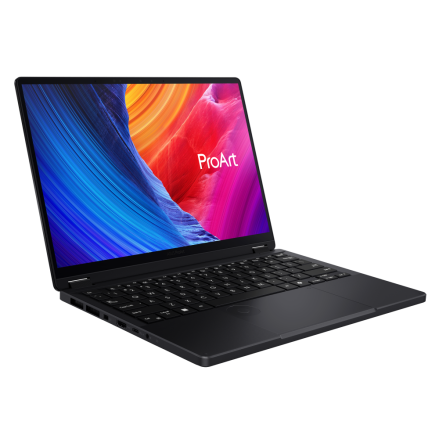
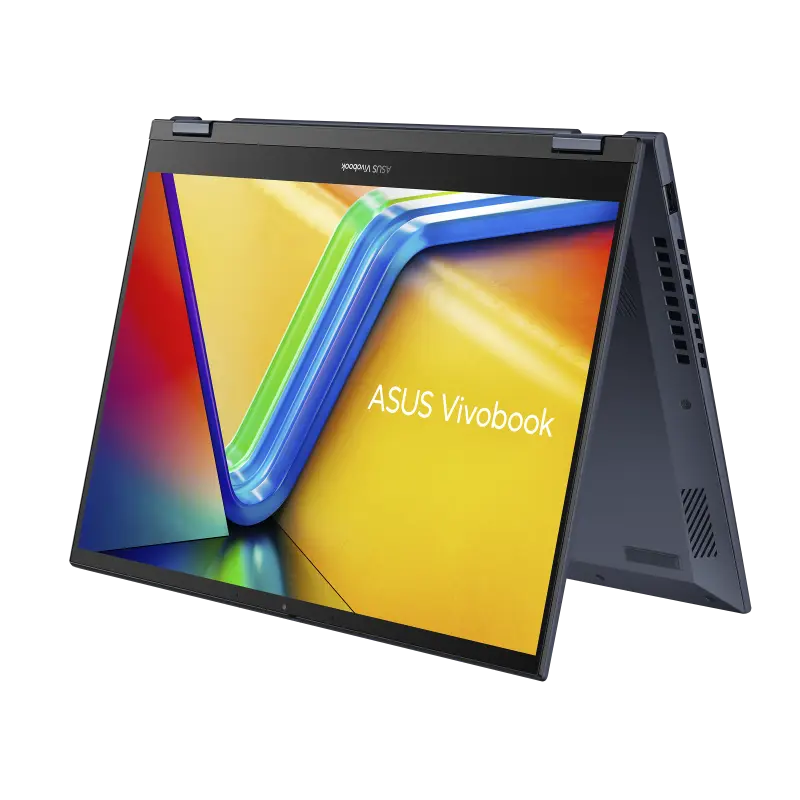
The ASUS Vivobook S 14 Flip is a versatile and powerful 2-in-1 laptop designed for users who need a flexible device for work, study, and entertainment.
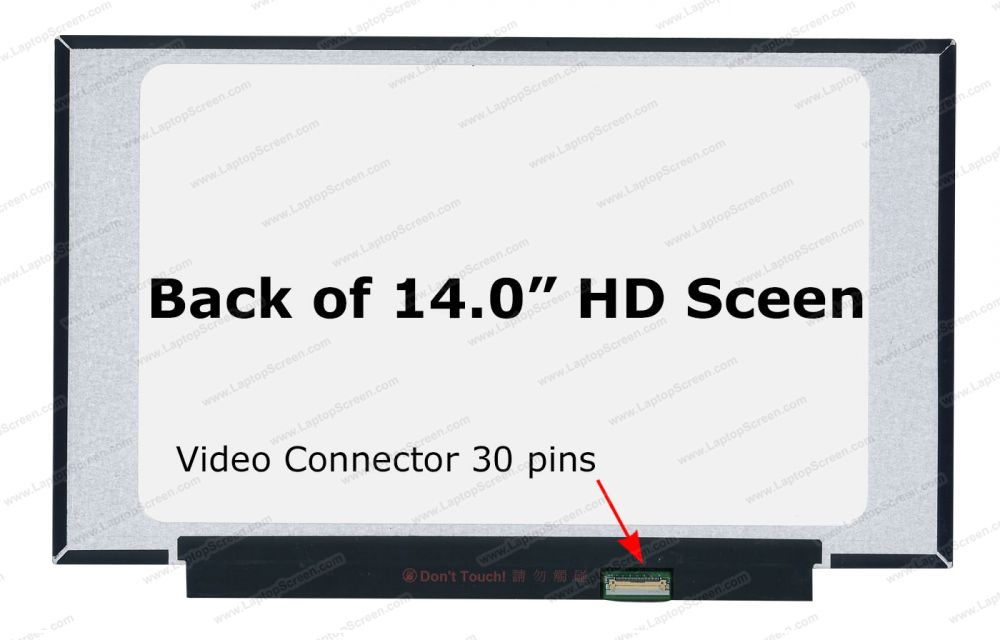
Display: The Vivobook S 14 Flip features a 14-inch Full HD (1920 x 1080) touch display. The touchscreen capability enhances usability, making it easy to interact with applications and navigate through content. The FHD resolution provides sharp and clear visuals, making it ideal for multimedia consumption, web browsing, and productivity tasks.
Performance: Powered by the Intel Core i5-12500H processor, the Vivobook S 14 Flip delivers strong performance for a wide range of tasks. This 12th Gen CPU, with its combination of performance and efficiency cores, ensures smooth multitasking and efficient handling of demanding applications. The Core i5-12500H is well-suited for productivity, multimedia, and light gaming.
Memory and Storage: The laptop comes with 8GB of DDR4 RAM, which provides sufficient memory for multitasking and running multiple applications simultaneously. The 1TB M.2 NVMe PCIe SSD offers ample storage space for files, applications, and multimedia content, along with fast data access and quick boot times.
Graphics: Integrated with Intel Iris Xe Graphics, the Vivobook S 14 Flip provides enhanced visual performance compared to previous integrated graphics solutions. This makes it capable of handling casual gaming, photo editing, and video streaming with ease.
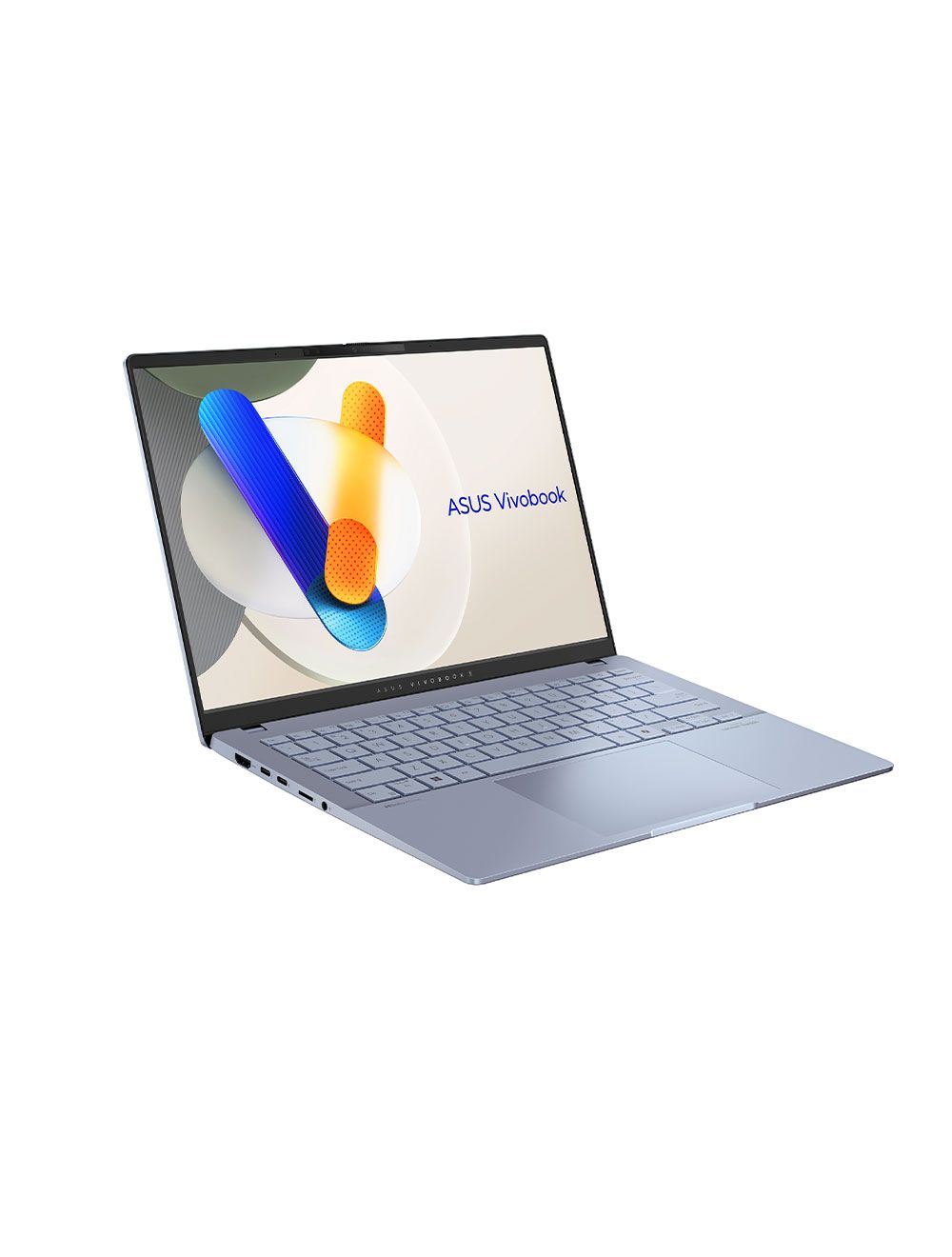
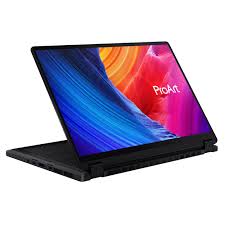
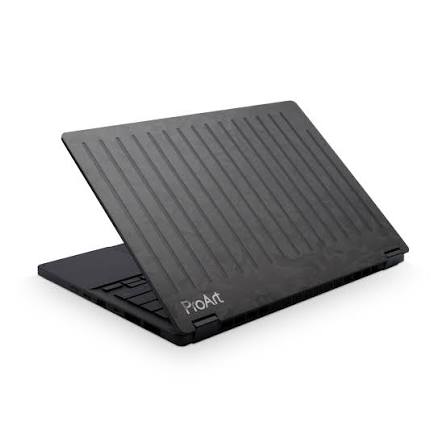
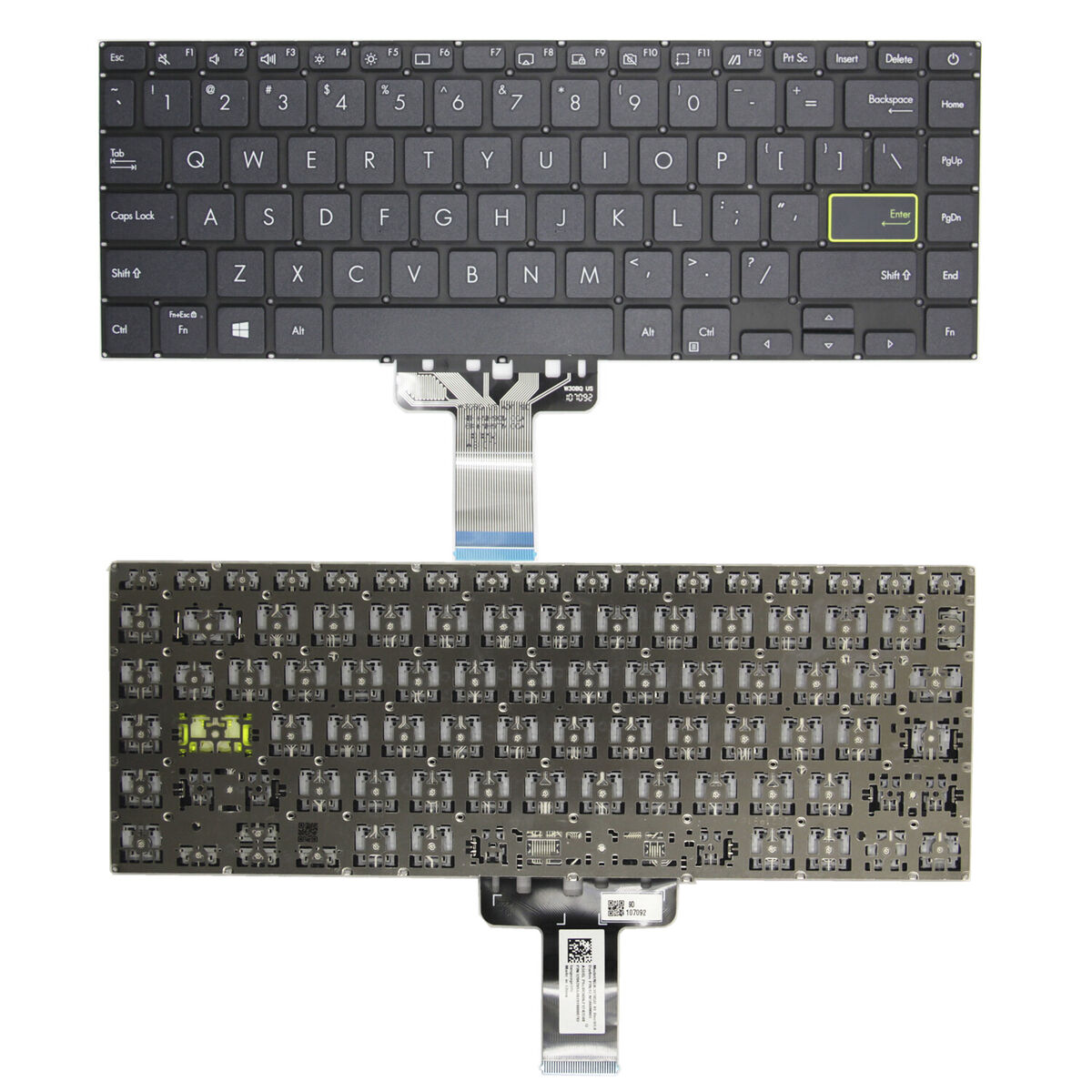
Keyboard and Design: The laptop features a sleek and modern design with a backlit chiclet keyboard, providing comfortable and accurate typing even in low-light conditions. The device also includes the innovative NumberPad, a touchpad that can be turned into a numeric keypad for easy data entry. The 360-degree hinge allows the laptop to be used in various modes, including laptop, tablet, tent, and stand modes, adding to its versatility.
Connectivity and Ports: The Vivobook S 14 Flip offers a range of connectivity options, including Thunderbolt 4, USB-C, USB-A, HDMI, and a microSD card reader. Thunderbolt 4 provides fast data transfer speeds and the ability to connect to multiple displays and high-performance peripherals, enhancing the laptop’s functionality.
Operating System: The laptop runs on Windows 11 Home, offering a modern and user-friendly interface with the latest features and updates. Windows 11 enhances productivity and overall user experience with its improved tools and optimizations.
Battery Life: Designed to offer good battery life, the Vivobook S 14 Flip allows users to work, study, or enjoy multimedia content for extended periods without needing to recharge frequently. This is particularly useful for users who need a reliable device for on-the-go productivity.
Overall, the ASUS Vivobook S 14 Flip is a versatile and powerful 2-in-1 laptop that combines strong performance, ample storage, and a flexible design. It is suitable for professionals, students, and anyone in need of a reliable and portable computing solution for everyday tasks.